Email automation: how AI answers your inquiries
Email is where time disappears unnoticed. Here is how AI can sort your incoming messages, prepare replies, and leave only the approval to you, without your clients noticing any difference in quality.
Every business email goes through the same steps: you open it, read it, work out what it is about, write a reply you have written dozens of times, send it, and log something in yet another system. AI can take over almost all of these steps and leave the human only the one where they are irreplaceable: judgement.
Step 1: classification of incoming messages
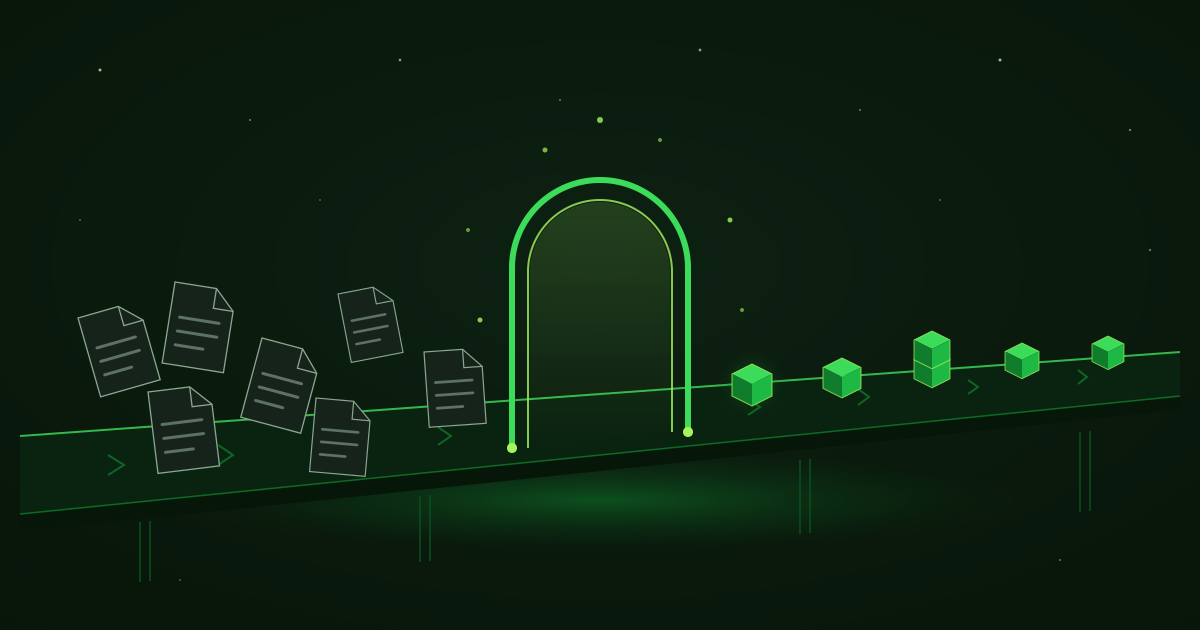
The first and easiest win. AI reads every incoming message and sorts it into a category: quote request, order question, complaint, invoice, spam, personal. Each category has its own priority and its own recipient. A complaint goes straight to the right person with an “urgent” marker, while newsletters do not linger in front of anyone’s eyes.
This sorting alone changes your day: instead of wandering through your inbox and deciding “which one first”, you open a sorted queue with the important items on top.
Step 2: draft replies
For repetitive messages AI prepares a full reply: it reads the question, takes the facts from your knowledge base (prices, deadlines, terms, availability) and writes a message in your tone. The draft waits in your inbox, attached to the original message.
An important note, without which this article would be an advertisement rather than a guide: the draft is only as good as the data behind it. If your terms are written down nowhere, AI has no way of knowing them, and the first job is to describe them. This effort is made once and then serves the inbox, the chatbot, and new employees alike.
Step 3: the human approves, does not write
This is the principle that makes the system safe: AI proposes, the human decides. Reviewing a ready draft takes seconds instead of the minutes it takes to write from scratch, and control stays entirely with you. Over time, once you see which categories of drafts come out flawless (confirmations, standard terms, signposting replies), you can let exactly those run fully automatically and approve only the rest.
Which messages should never be automatic: complaints from an angry client, price negotiations, anything with legal weight. There AI helps with a draft and context, but “send” is pressed by a human.
Step 4: connection to your email and CRM
The real saving comes when the reply is not the end. The same system logs the inquiry in the CRM, creates a deal, schedules a follow-up reminder, and attaches the whole correspondence to the client. Technically this is built on top of the Gmail or Microsoft 365 API and automation platforms: the n8n documentation and the Zapier integrations show how many systems can be linked into a single chain without writing code for every connection.
Manual processing versus AI assisted: what changes
| Metric | Manual processing | AI assisted processing |
|---|---|---|
| Time per message | Minutes to read, assess and write from scratch | Seconds to review and approve a ready draft |
| Reply delay | Hours to days, depending on workload and days off | The draft is waiting the moment the message arrives |
| Missed messages | A real risk: a buried inbox, time off, forgetting | Every message is classified and has an owner |
| Quality and tone | Depends on fatigue and on who is replying | Consistent tone, the facts come from one shared base |
| Trace in the CRM | Manual, which often means never | Automatic with every inquiry |
What to automate first
- Classification. The lowest risk, immediate effect, it touches not a single outgoing message.
- Drafts for the most common category. See which question repeats the most in your inbox and start with it.
- Logging in the CRM. The dull administrative step that no one likes and everyone skips.
- Automatic replies. Only at the very end, and only for the categories where the drafts have proven their quality.
The goal is not for the inbox to reply on its own. The goal is for the human to review and approve in seconds what they used to write in minutes.
Email automation is one of our most frequent tasks, because the pain is universal and the result is easily measured in hours. How we approach it and what the implementation includes are described on the AI automation page.
Frequently asked questions
Is it safe for AI to read my company email?
It depends on how the system is built. Serious AI model providers offer business terms under which your data is not used for training. During implementation it is defined exactly which messages are processed, what is stored and for how long, and sensitive categories can be excluded entirely.
Will clients realise that AI is replying to them?
In draft mode the reply passes through a human who reviews and signs it, so the client receives a message from a real employee, simply written faster. With fully automated replies it is fair and sensible to mark them as such.
What happens with messages that AI does not understand?
They are flagged and go straight to a human, without a draft. A good system is tuned to prefer "I am not sure, you take a look" over a confident but wrong answer. The share of such messages drops over time as the system is fine-tuned.
Does this work with Gmail, Outlook and Bulgarian email?
Yes. Gmail and Microsoft 365 have rich APIs for integration, and almost any other email connects through IMAP. The link to a CRM and other systems is built through APIs or platforms such as n8n and Zapier.
How many messages a day do I need to receive for it to be worth it?
There is no magic number, the calculation is in hours. If your team loses an hour or more a day in email and a large part of the messages are repetitive, automation makes sense. With a few messages a day the effect is too small to justify the investment.
Related reading
How many hours a week does your inbox eat?
Tell us what kind of messages you receive and how much time they take. We will propose automation with a clear plan and price. We reply within 24 hours.